

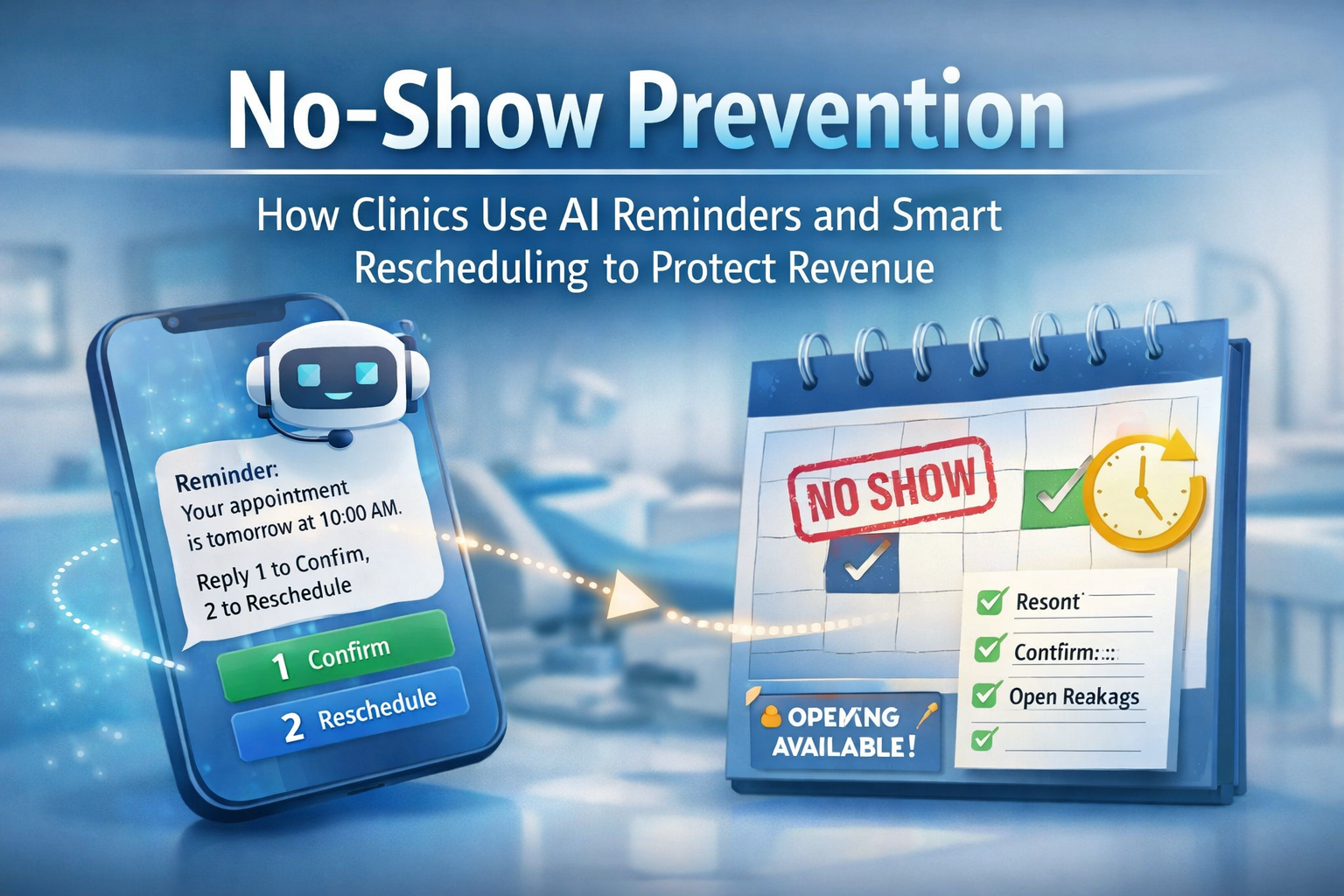
The pain: no-shows quietly drain margins
For dental, medical, ortho, chiro, PT, and med spa practices, the schedule is the business. When patients miss appointments or cancel late, you lose revenue, waste provider time, and create a ripple of idle staff capacity and rework. Industry benchmarks often put median no-show rates in the single digits, but even “normal” levels add up fast across a busy calendar. (mgma.com)
The root cause is rarely one thing. It is usually a predictable mix: patients forget, plans change, instructions are unclear, or rescheduling feels like friction.
How clinics are using AI right now (without overhauling their stack)
The most common, highest-ROI AI use case in ambulatory care is not diagnostics. It is communication automation that keeps the calendar full:
1) Confirmation workflows that reduce uncertainty
Automated SMS or phone reminders have repeatedly been shown to improve attendance and reduce missed appointments compared with no reminders. (pmc.ncbi.nlm.nih.gov)
What “AI” changes is the responsiveness and personalization:
- Two-way confirmations (“Reply 1 to confirm, 2 to reschedule”)
- Contextual instructions (parking, paperwork, prep steps)
- Language options and message timing rules
- Intelligent escalation (if no response, trigger a call or notify staff)
2) Smart rescheduling that prevents a cancellation from becoming a dead slot
Modern workflows treat cancellations as a trigger, not an ending:
- When a patient cancels, the system immediately offers the next best options
- If they do not pick a time, it follows up automatically
- If the slot is within 24–48 hours, it activates “fill the gap” logic (more on this below)
Research on reminders consistently points to reduced non-attendance, and scheduling systems with automated reminders show promise in improving cancellation and rescheduling behavior. (pmc.ncbi.nlm.nih.gov)
3) “Fill the gap” waitlist workflows that recover revenue
This is where many clinics still operate manually. AI-driven waitlists can:
- Identify patients who want earlier appointments
- Offer openings automatically in priority order
- Confirm the first patient who accepts
- Update the schedule and notify staff
4) A practical note: avoid message fatigue
More automation is not automatically better. High volumes of automated messages can increase opt-outs, so the best programs are intentional: fewer messages, clearer choices, and smarter escalation only when needed. (jamanetwork.com)
The BetterBiz approach: protect revenue with a simple, consistent operating system
BetterBiz focuses on a clinic’s two biggest levers: speed to respond and schedule integrity.
A) Automated confirmations that patients actually complete
BetterBiz can run a confirmation flow that is:
- Two-way (confirm or reschedule)
- Timed (example: 72 hours + 24 hours, with rules by visit type)
- Escalated (no response triggers a second channel or staff alert)
- Logged (every interaction captured in your pipeline, not lost in texts)
B) Reschedule flows that reduce staff workload
When a patient cancels or asks to move:
- BetterBiz offers approved time windows automatically
- Captures the reason code (optional, but useful for trend tracking)
- Books the new appointment and sends the updated confirmation instantly
C) Waitlist triggers that “fill the gap”
When a slot opens inside your short-notice window:
- BetterBiz triggers an outreach to the waitlist segment
- Confirms the first acceptance
- Stops outreach automatically once filled
- Notifies the front desk with a clean audit trail
D) 24/7 lead intake + auto-booking + nurturing sequences
No-show prevention starts before the first visit. Many practices lose prospective patients because inquiries arrive after hours and go cold by morning. BetterBiz can:
- Capture inbound calls and messages 24/7
- Answer common questions
- Book appointments automatically (based on your rules)
- Follow up if the patient does not complete scheduling
This improves both new patient conversion and the likelihood they actually show up, because expectations and instructions are set upfront. (Reminders work best when paired with clarity and convenience.) (pmc.ncbi.nlm.nih.gov)
What an executive should ask for (so this does not become “another tool”)
If you want results without chaos, the program should be measurable and lightweight. Ask for:
- A single source of truth for appointment status (confirmed, unconfirmed, rescheduled, canceled, waitlist offered, filled)
- Two-way messaging with clear patient choices
- Escalation rules (when to route to humans)
- A “fill the gap” playbook (who gets offered openings, and in what order)
- Opt-out compliance and frequency controls to reduce fatigue (jamanetwork.com)
Bottom line
AI does not need to be complicated to be profitable. In clinics, the fastest wins come from automating confirmations, making rescheduling effortless, and activating waitlists the moment a slot opens. Systematic reviews and multiple studies show that reminders reduce missed appointments, and the operational upside compounds when you pair reminders with frictionless rescheduling. (pmc.ncbi.nlm.nih.gov)
If you want to see how this looks as a simple, end-to-end workflow (confirmations, reschedules, waitlist fills, and 24/7 booking), BetterBiz can map it to your exact visit types and scheduling rules in one working session. Contact us at info@betterbizgroup.com or call us at 917-399-8697.